
![20 AI Productivity Tools [Changing How Work Gets Done in 2026]](/content/images/size/w2000/2025/12/20-AI-Productivity-Tools--Changing-How-Work-Gets-Done-in-2026-.jpg)
2025 felt like a turning point. AI assistants have gotten dramatically better at understanding context, and the tools built around them have matured beyond "cool demo" into "actually useful."
This guide covers the AI productivity tools that deliver results across six categories and one bonus category, namely:
- AI Documentation & Process Capture
- AI Workflow Automation
- AI Writing, Content & SEO
- AI Project & Task Management
- AI Meeting & Collaboration
- AI Knowledge Management
- AI Design, Media & Creative
- AI Agents & Autonomous Workflow
Disclaimer: We won’t list every option available, just the ones worth your time, along with honest assessments of where each one falls short.
Categories of AI Productivity Tools
Before diving into specific tools, here are the categories in which we’ve organized them:
- AI documentation & process capture tools record your workflows and turn them into shareable guides, tutorials, and SOPs automatically. Useful if you're answering the same "how do I do this?" question more than twice a week.
- AI tools for workflow connect your apps, cut out manual data entry, and ensure every automated email, update, and notification actually reaches the right people, not just the right triggers.
- Writing & content creation tools help draft, edit, and refine text. Useful if you spend more than an hour daily writing emails, documentation, or marketing content.
- Project & task management tools can prioritize work and surface relevant context. Worth exploring if you're drowning in tasks or constantly searching for information.
- Meeting & communication tools capture what happens in conversations. Useful for anyone having more than five meetings per week.
- Knowledge management tools organize your notes and research. Valuable for anyone processing large amounts of information.
- Design, media & creative AI tools generate images and designs. Helpful if you need visuals but don't have a dedicated designer or if your designer is bottlenecked.
- BONUS category: AI agents & autonomous workflow tools handle multi-step tasks, make decisions, and deliver production-ready AI capabilities. Worth exploring if you need AI that acts autonomously, not just assists when prompted.
Our recommendation: Start with the category that addresses your biggest daily frustration. Resist the urge to adopt five tools at once.
Top AI Productivity Tools Overview
A. Documentation & Process Capture Tools
1. Gyde (How-to guides generator)
Gyde offers a how-to guides generator that turns any web process into step-by-step video and screenshot tutorials in seconds. Just perform a task once with the Chrome extension running, and Gyde automatically captures each action, generates screenshots, and creates a video with narration.
With its AI text enhancer, you can polish your instructions and blur sensitive information before sharing via link, PDF, or MP4.
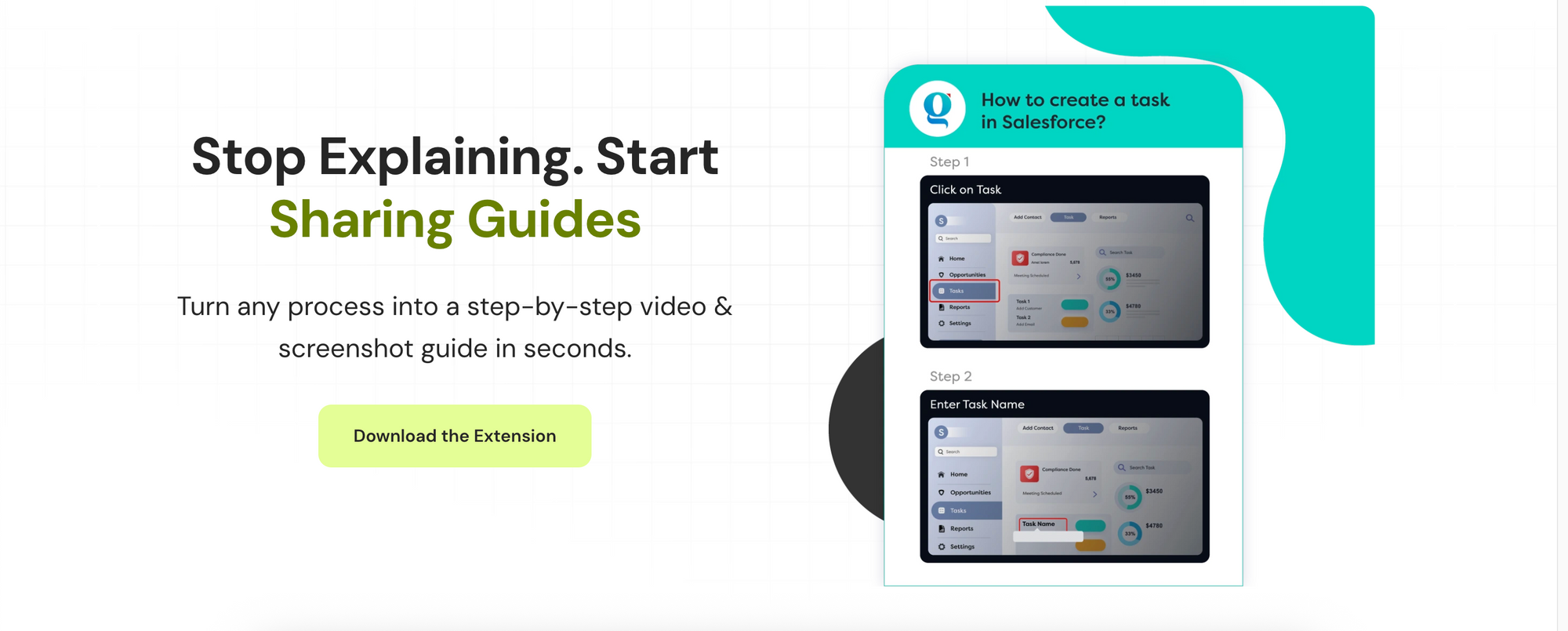
Best for: Teams drowning in repetitive "how do I…?" questions, operations leads, IT admins, and anyone who's tired of explaining the same process for the fifth time this week.
The catch: It's a free Chrome extension, and it only captures browser-based workflows. If your processes live in desktop apps, you'll need a different solution.
2. ScribeHow
ScribeHow captures any web or desktop process and turns it into a polished step-by-step guide with annotated screenshots and AI-generated instructions. Just click record, do your task, and Scribe builds the documentation for you. The desktop app works across any application and multiple monitors, not just browser workflows. Guides can be embedded directly into Notion, Confluence, SharePoint, or shared via link.
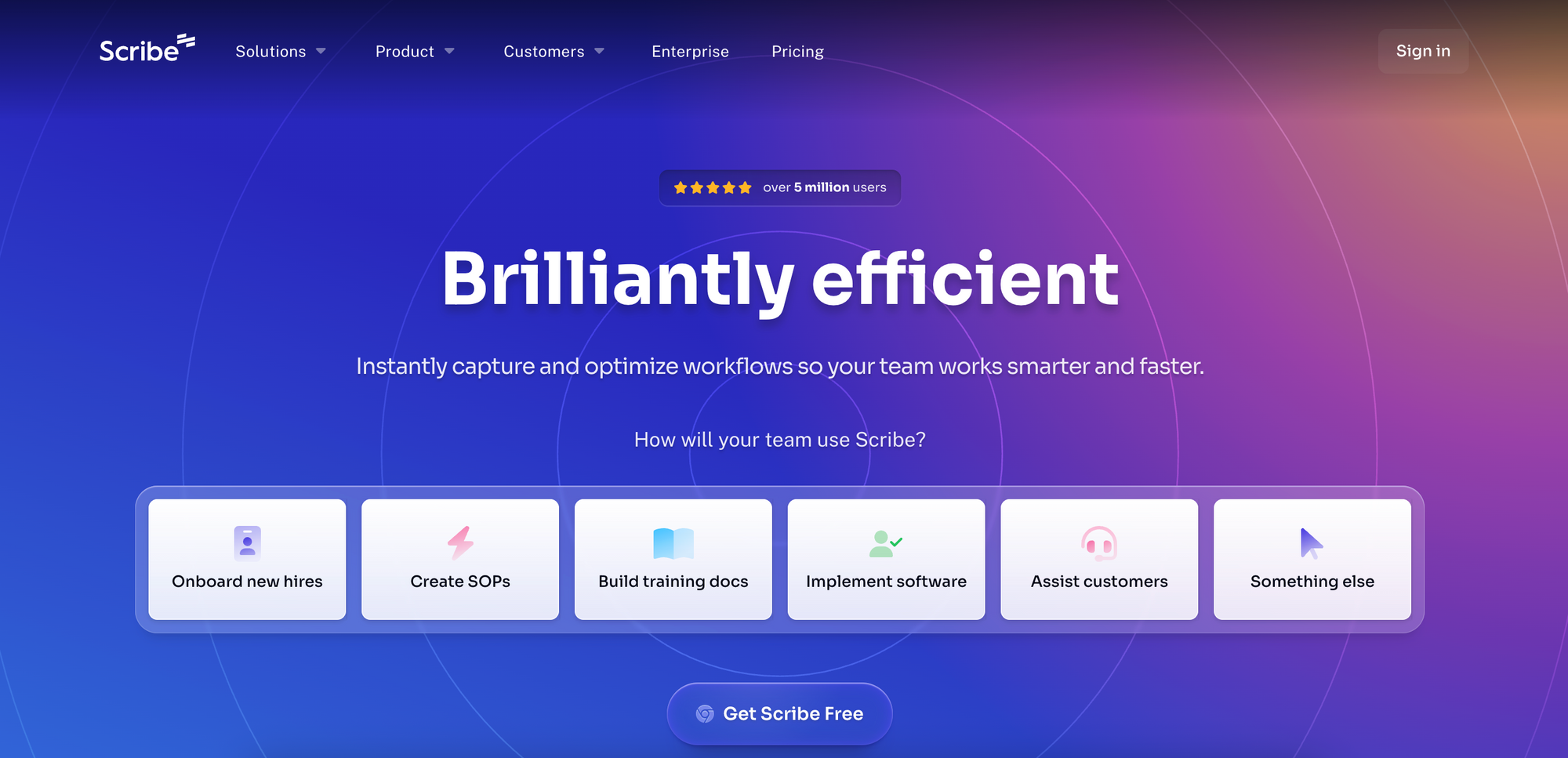
Best for: Teams that need to document processes across multiple tools, not just web apps. IT, HR, and customer success teams creating SOPs, training materials, and troubleshooting guides.
The catch: The free tier is limited, and sensitive data redaction, desktop capture, and advanced customization require a Pro plan. Also, there's a learning curve to fully leverage all the AI features.
B. AI Workflow Automation
3. Mailtrap
Let’s start with a problem nobody talks about: your AI workflow generates a beautifully personalized email, triggers the send... and it lands in spam. The automation worked perfectly but the delivery failed and cut off user communication. That's where Mailtrap solution fits!
Mailtrap is an email delivery platform that provides an Email API/SMTP service with high inboxing rates, in-depth analytics, and separate sending streams for user-triggered and bulk emails. With such features, you can ensure that your automated and AI-generated emails actually reach the primary inbox folder.

Best for: Developer and product teams that want to send user-triggered, mass, and marketing emails at scale. Also, teams that use AI to generate personalized content at scale.
The catch: Unfortunately, there aren’t many 3rd party integrations. However, you can connect Mailtrap to many tools via Zapier, and the platform keeps steadily increasing the number of integrations it has to offer.
4. Zapier
Zapier remains the default choice for connecting apps, and its AI features have made it significantly more accessible. The game-changer is prompt-based workflow creation. For example, you can use a prompt like "when someone fills out my Typeform, add them to my email list and create a task in Asana" and Zapier will build it. Moreover, Zapier Copilot helps troubleshoot when things break, and Agents can handle multi-step tasks autonomously.

Best for: Teams using 5+ SaaS tools who need them to talk to each other without hiring a developer.
The catch: Pricing escalates quickly. The free tier (100 tasks/month) lets you test the waters, but real usage typically requires the $19.99/month Starter plan and complex workflows can push you into $49+/month territory fast.
5. Make
Make (formerly Integromat) takes a visual approach that appeals to people who think in flowcharts. Basically, you build workflows by connecting modules on a canvas, which makes conditional logic, error handling, and debugging easier since you can literally see where things went wrong.
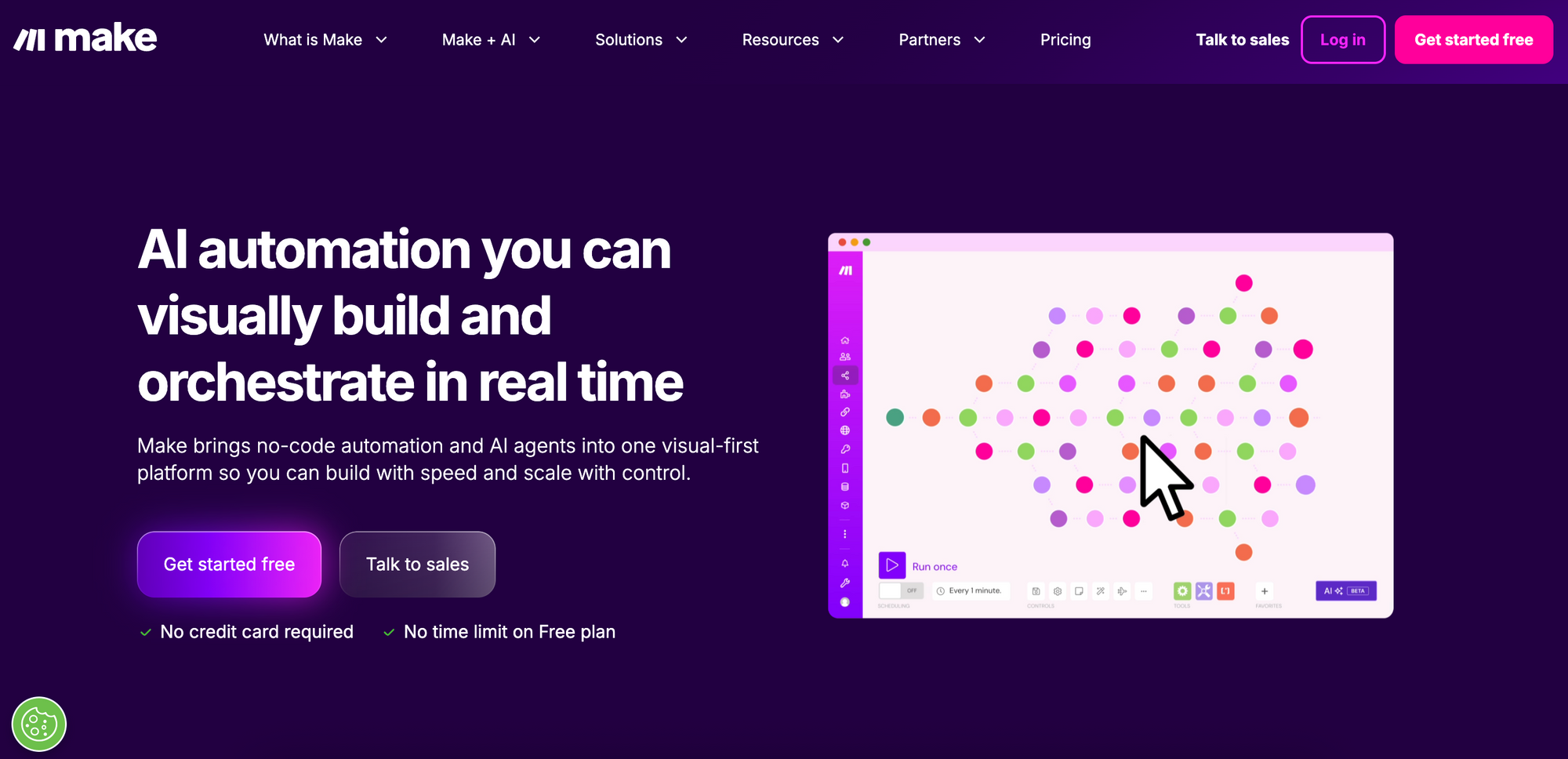
Best for: Users who need complex branching logic, data transformation, or want to understand exactly what their automation is doing at each step.
The catch: The learning curve is a bit steep, and the visual interface is powerful but can feel overwhelming initially. Also, the integration library is smaller compared to other solutions on the market, so if you use niche tools, check compatibility first.
6. N8n
n8n is the open-source alternative you can self-host. This matters for teams with strict data policies or those who want to avoid vendor lock-in. The functionality mirrors Make's visual approach, and the community has built integrations for the most popular tools.
Best for: Technical teams with privacy requirements, startups watching costs closely, or anyone who wants complete control over their automation infrastructure.
The catch: Self-hosting means you're responsible for uptime, updates, and troubleshooting. The cloud version exists but defeats some of the privacy benefits. n8n is overkill for most small teams. If "self-hosted" and "open-source" don't make you excited, stick with Zapier or Make.
7. Coupler.io
Coupler.io turns scattered marketing data into AI-powered insights and automated reports, no coding required. This no-code platform collects, transforms, and analyzes data from 380+ sources like CRMs, ad platforms, and social media, delivering instant trends, benchmarks, and recommendations via AI Insights and natural language queries through Claude integrations.
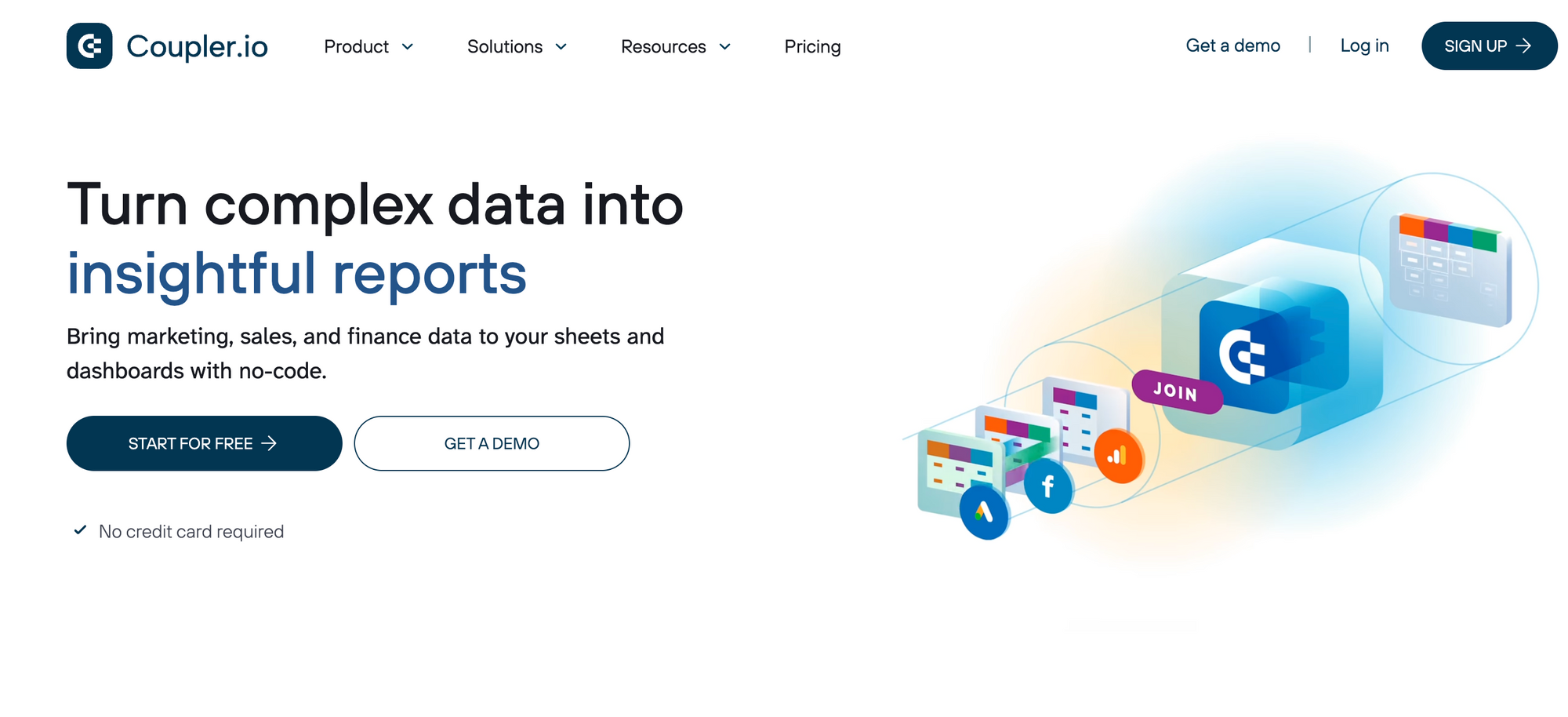
Best for: Marketing teams, analysts, and business owners drowning in multi-channel data who need fast, actionable clarity without manual ETL work. Perfect alongside Zapier or Mailtrap for end-to-end workflows.
The catch: Starter plans limit data volume and refresh frequency; most dashboards export to external tools like Google Sheets (in-app options are growing)
C. AI Writing, Content & SEO Tools
8. ChatGPT

ChatGPT is the Swiss Army knife of AI writing tools. Brainstorming, drafting, editing, explaining, coding, you name it. The conversational interface makes it accessible even to people intimidated by new technology, and custom instructions let power users shape its default behavior.
Best for: Generalists who need help with varied tasks. It's not the best at any single thing, but it's good enough at most things. So, a jack of all trades but master of none.
The catch: Outputs can feel generic without careful prompting. The free version has usage limits during peak times, and even ChatGPT Plus ($20/month) occasionally throttles heavy users. Also, it confidently makes things up, making it necessary to always verify factual claims.
9. Jasper AI
Jasper is ChatGPT's marketing-focused cousin. It's built specifically for commercial content: ads, product descriptions, social posts, or email campaigns. The template library gives you starting points for common content types, and it can learn your brand voice to maintain consistency.

Best for: Marketing teams producing large volumes of content who need first drafts fast.
The catch: Plans start around $49/month per seat, making it more expensive compared to general-purpose tools. If you're writing technical documentation or anything outside marketing, you're paying a premium for features you won't use. The outputs still require human editing; think of it as a first-draft accelerator, not a replacement writer.
10. GrammarlyGO
GrammarlyGO evolved Grammarly from a grammar checker into an AI writing assistant. It can generate text, rewrite sentences for different tones, and suggest improvements based on your goals and audience. The killer feature is that it works inside your existing tools like Gmail, Google Docs, or Slack, rather than requiring you to switch apps.
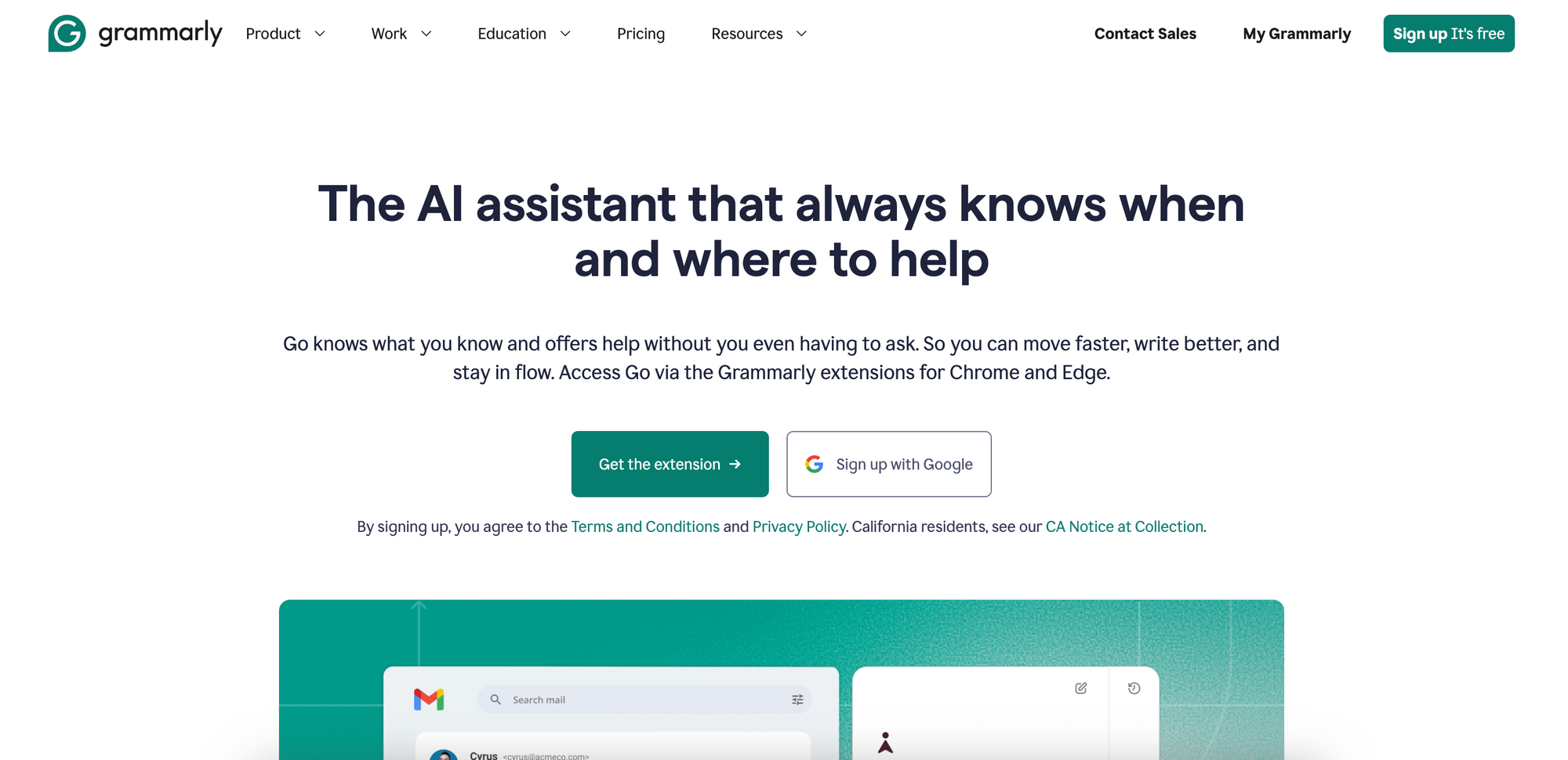
Best for: Anyone who writes a lot of emails and wants to improve clarity without switching to a separate AI tool.
The catch: The free tier is limited and GrammarlyGO features are locked behind Business and Enterprise plans. Suggestions can also be overly conservative, defaulting to corporate-safe language. It also occasionally flags stylistic choices as errors, which can get annoying.
D. Project & Task Management Tools
11. Notion AI
Notion AI integrates directly into Notion's workspace, adding text generation, summarization, and smart search. Ask it to draft content, extract action items from meeting notes, or autofill database properties. The natural language search is genuinely useful since you can ask "what did we decide about the Q3 launch?" instead of digging through your Notion pages.
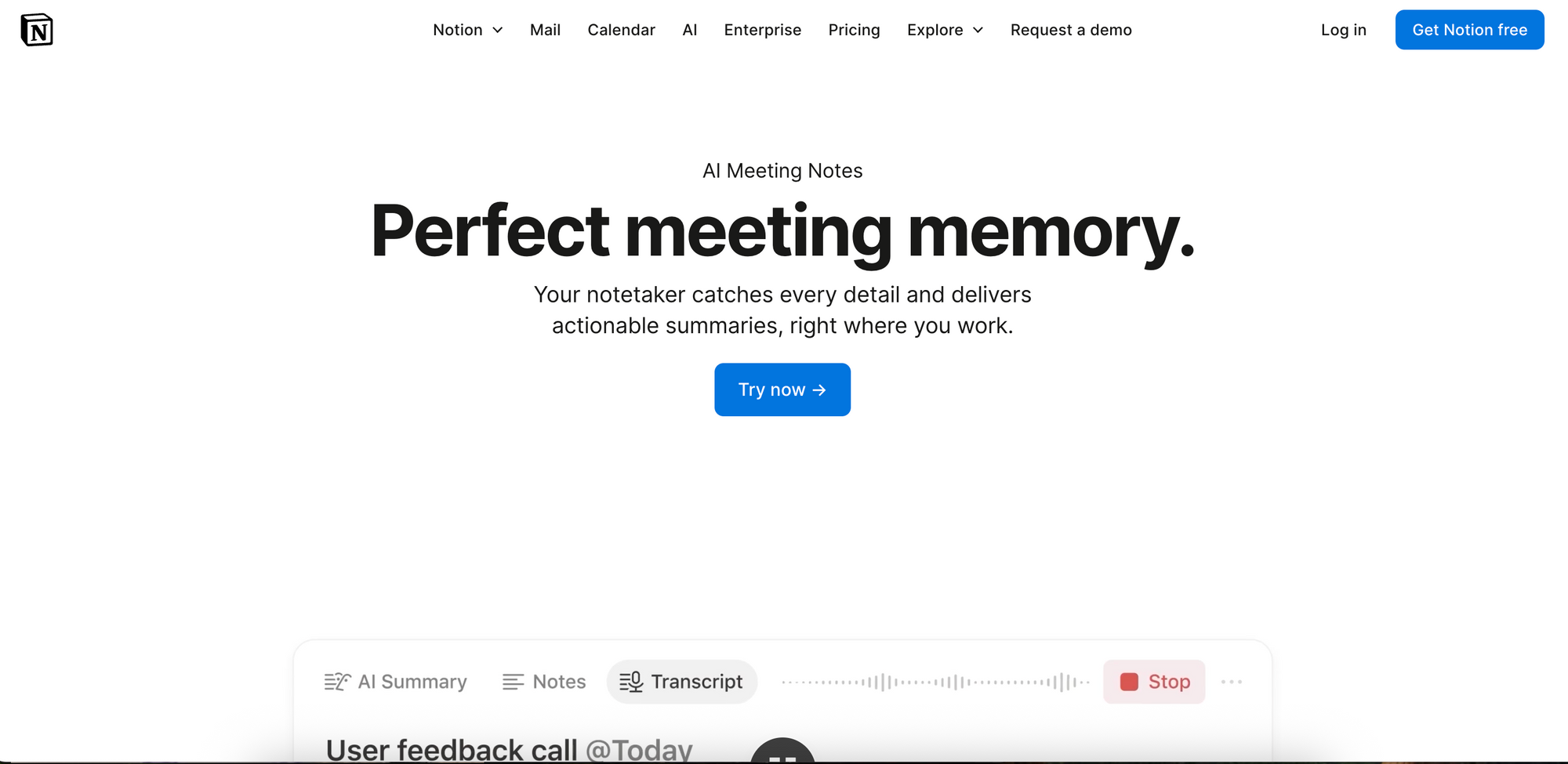
Best for: Teams who already use Notion and want AI without switching platforms.
The catch: Notion AI costs $10/member/month on top of your Notion subscription, which can add up for larger teams.
12. Reclaim
Reclaim is an AI scheduling assistant that automatically blocks focus time, schedules one-on-ones, and reschedules tasks when priorities shift. You can connect it to your task manager or calendar, and it will figure out when you'll actually do the work you've committed to.
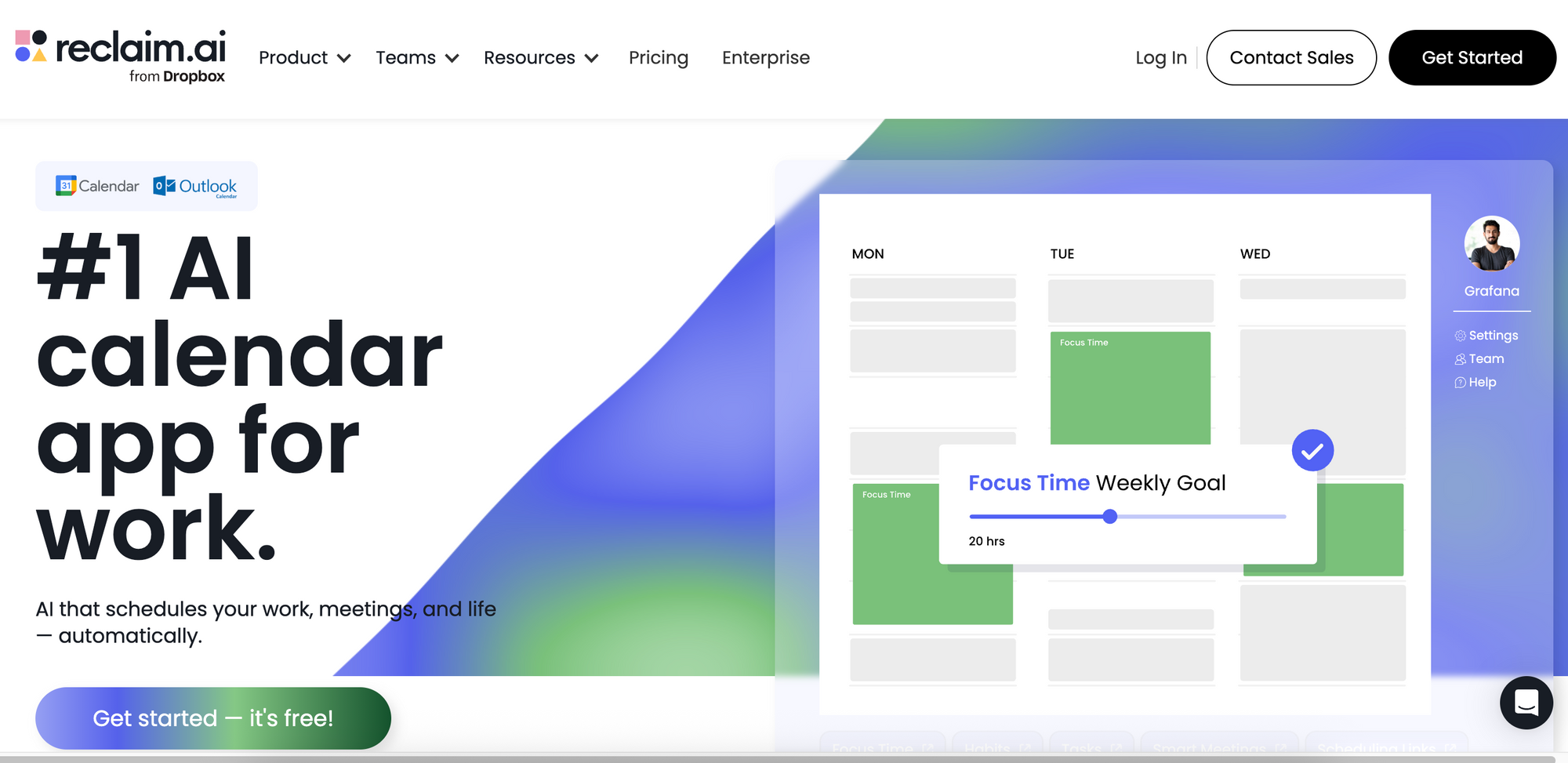
Best for: People whose calendars fill up with meetings while their actual work keeps getting pushed to "later".
The catch: Requires giving an app significant control over your calendar, which can make some people uncomfortable.
E. Meeting & Communication Tools
13. Otter.ai
Otter.ai transcribes meetings in real time and generates searchable notes. It identifies speakers, highlights key points, and syncs with your calendar to automatically join scheduled calls. Over time, your transcripts become a searchable knowledge base of everything discussed.
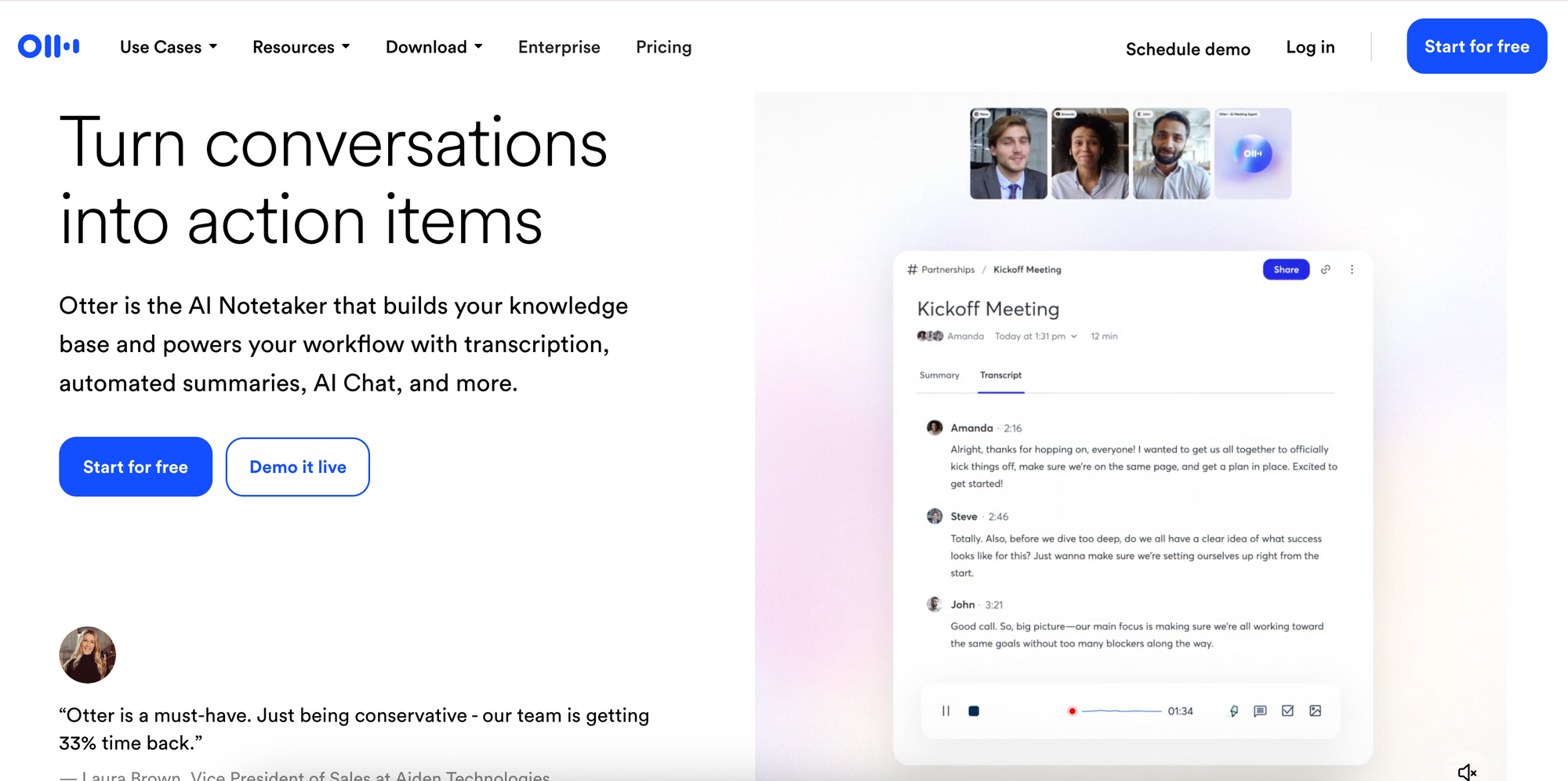
Best for: Teams that rely on verbal communication, such as sales calls, customer interviews, and brainstorms.
The catch: Transcription accuracy drops noticeably with accents, technical jargon, or crosstalk. The AI summaries sometimes miss the actual important points while highlighting trivia.
14. Fireflies.ai
Fireflies offers similar transcription and summarization features to Otter.ai but emphasizes CRM integration. Meeting notes can automatically log to Salesforce, HubSpot, and other platforms, which reduces the admin work that sales and customer success teams typically dread.
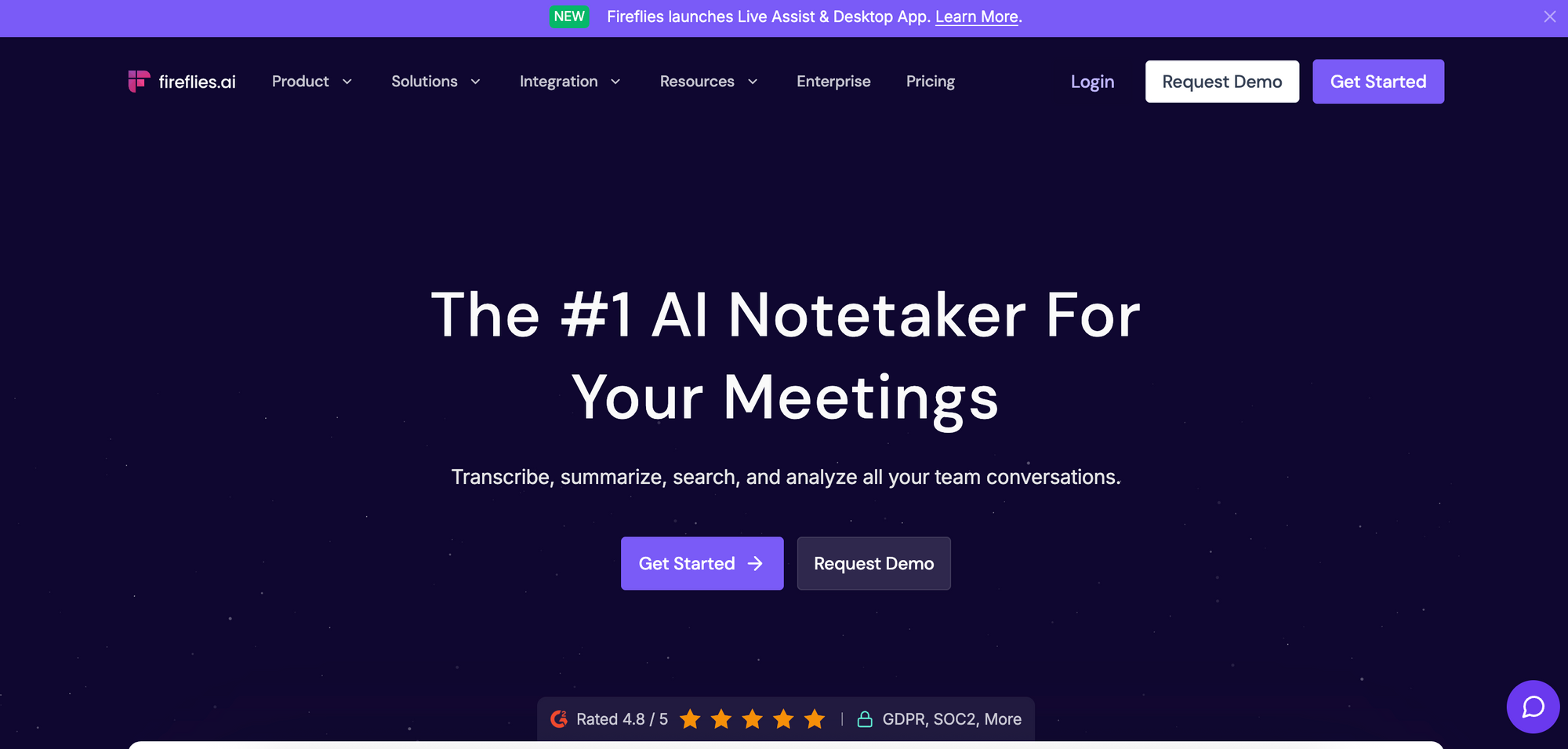
Best for: Sales teams who need meeting content flowing into their CRM without manual entry.
The catch: Similar transcription accuracy issues as Otter. The UI feels more cluttered, and some users report that the integrations require fiddling to work properly.
F. Knowledge Management Tools
15. Saner AI
Saner captures and organizes information from across your digital life: bookmarks, notes, documents, web pages, and the list goes on. The AI helps you retrieve what you need through natural language search and surfaces connections between related items you might not have noticed.
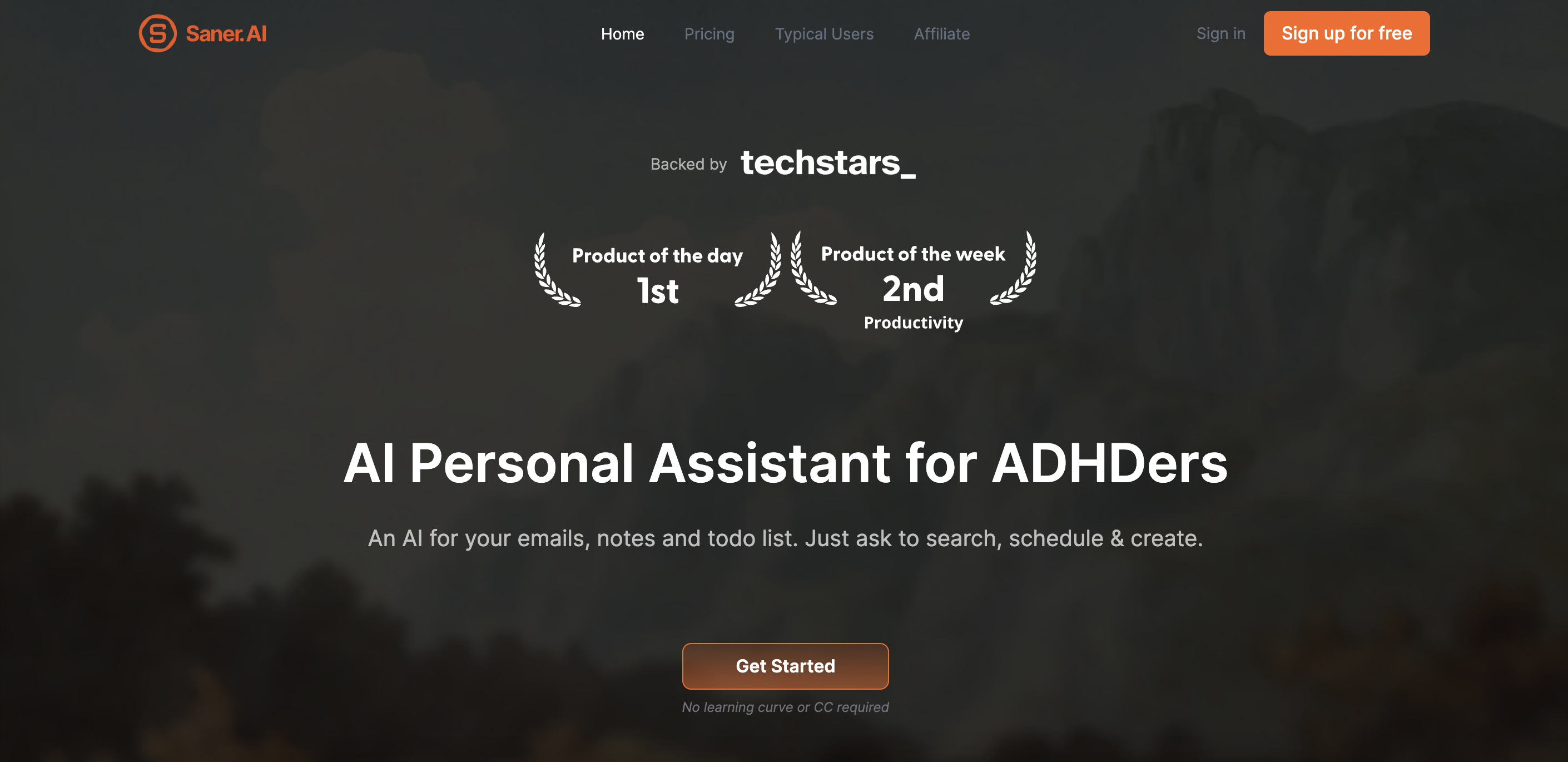
Best for: Researchers, consultants, writers, and anyone who consumes large amounts of information and struggles to find things later.
The catch: Newer player in the space, so integrations are still developing. Requires consistent use to build a valuable knowledge base.
16. Mem AI
Mem takes a different approach to Saner. It eliminates folders and manual organization entirely. You dump everything into Mem, and AI handles the structure. It surfaces relevant notes when you need them and creates connections automatically based on content similarity.
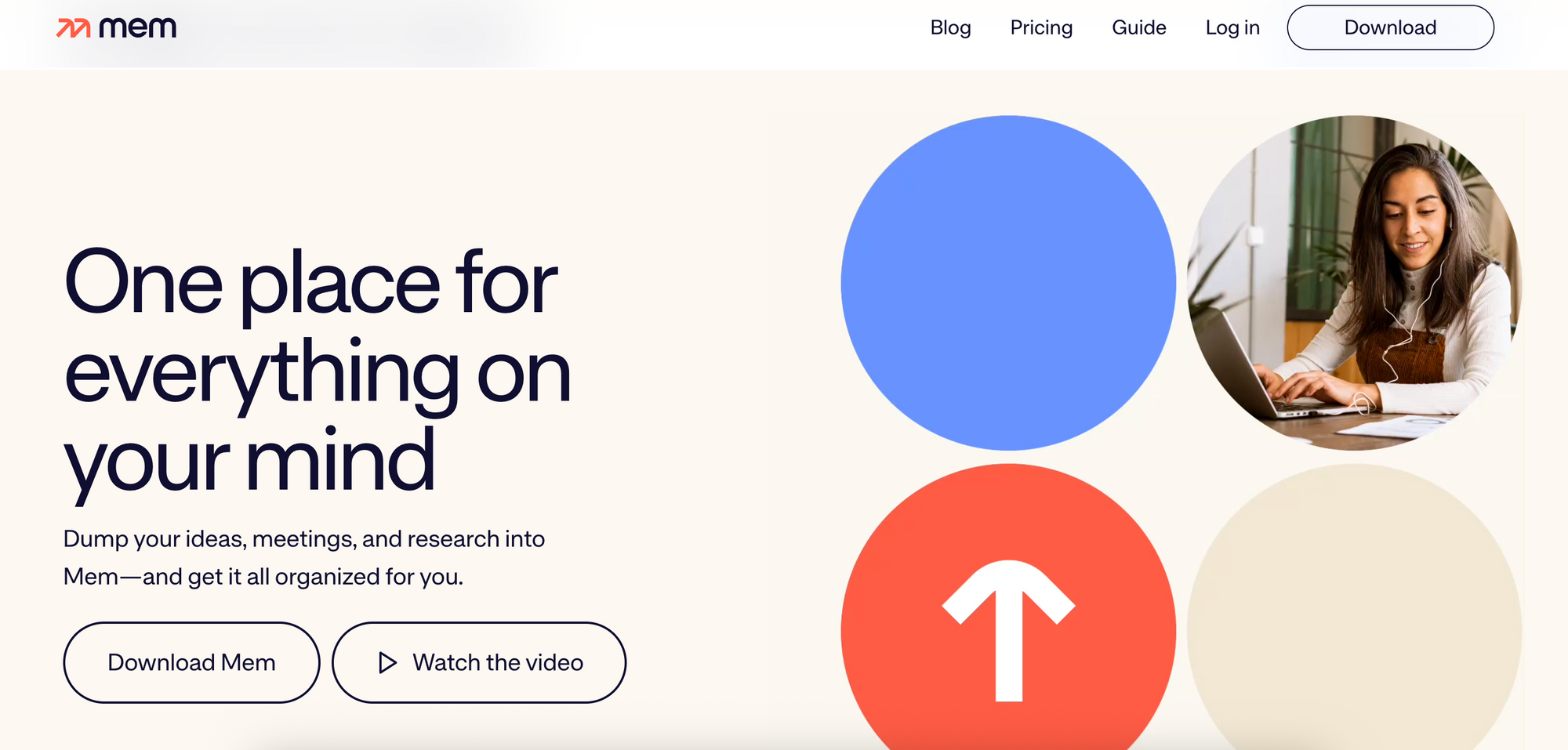
Best for: People who find traditional note-taking systems too rigid or time-consuming to maintain.
The catch: The "no folders" philosophy is polarizing. Some love it, others feel lost without an organizational structure. Search quality depends heavily on how you write notes; sparse notes get sparse results.
G. AI Design, Media & Creative Tools
17. Midjourney
Midjourney generates images from text prompts with a distinctive artistic quality that's hard to replicate elsewhere. The outputs tend toward stylized and visually striking rather than photorealistic, which works well for concept art, social media graphics, and creative exploration.

Best for: Marketers, content creators, and designers who need eye-catching visuals and are comfortable with artistic interpretation rather than precise specifications.
The catch: Access is through Discord, which creates a genuine learning curve if you're not already familiar with the platform. The public channels mean your prompts and outputs are visible to others (private generation requires paid plans).
18. Canva AI
Canva has integrated AI throughout its design platform. You can now generate images from text, resize designs for different formats instantly, and get layout and color suggestions. The Magic Design feature creates starting points from descriptions, and Magic Write helps with copy.

Best for: Non-designers who need professional-looking content, and existing Canva users who want AI acceleration without learning new tools.
The catch: AI features are limited on free plans - most require Canva Pro ($12.99/month) or Teams. Generated images can feel generic compared to Midjourney.
BONUS CATEGORY: AI Agents & Autonomous Workflow Tools
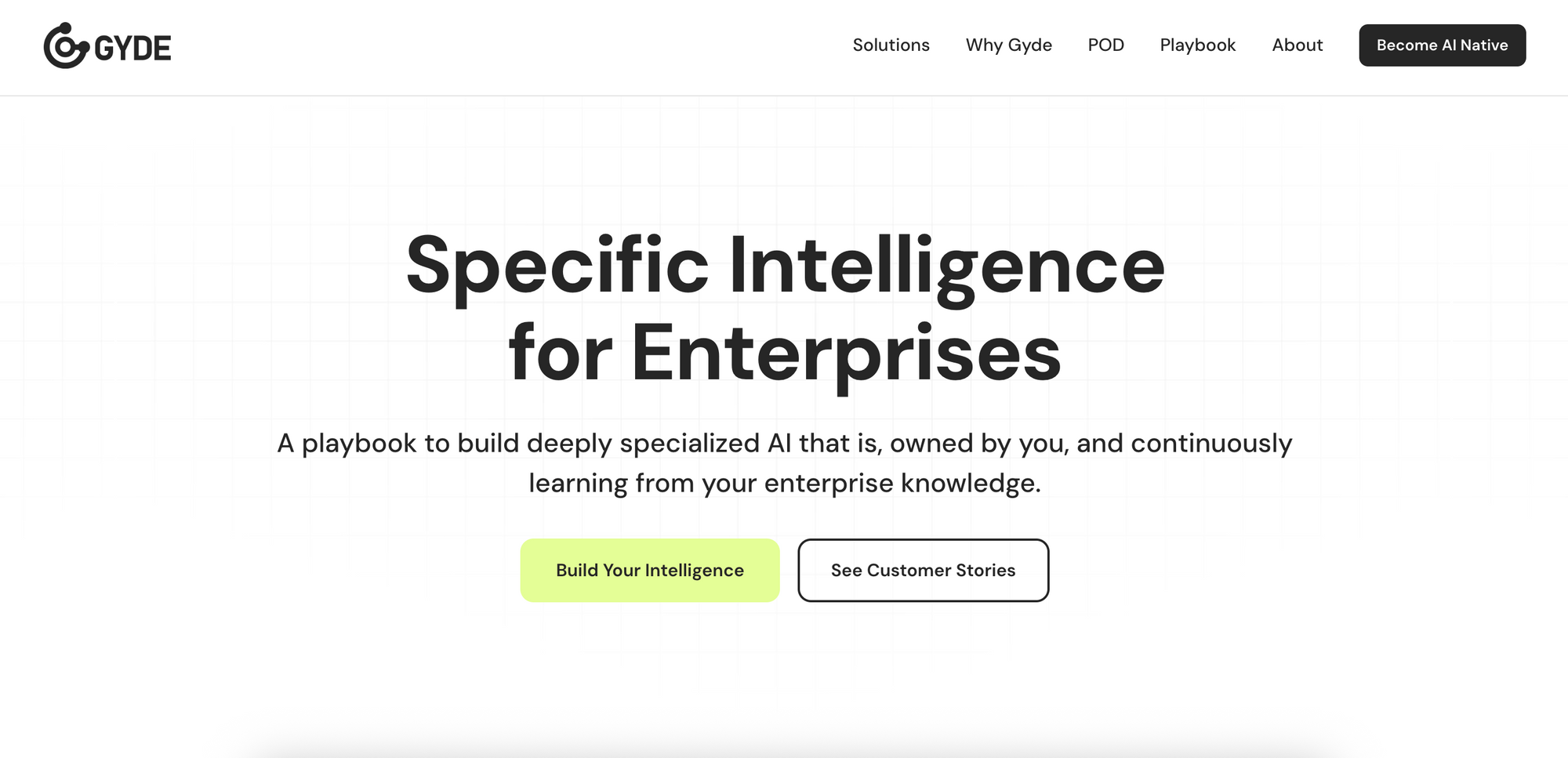
19. Gyde (Intelligence in the flow of work)
Gyde enables enterprise teams to design, deploy, and operate autonomous AI agents powered by their own data and workflows.
With a structured playbook, secure AI stack, and embedded delivery team, Gyde builds specific intelligence that understands business context, creates custom workflows, and scales safely across multiple industries (such as financial services, manufacturing, healthcare etc) and across various business functions (like sales, support, operations, and compliance).
Best for: Enterprises that need AI agents deployed quickly for tasks such as brand-safe email generation, content moderation, compliance checks, etc., or for building custom agents for new use cases., without having to upskill their engineering team. Gyde provides both the platform and a dedicated team of AI specialists who work directly on your data and bring AI from concept to execution in just four weeks!
The catch: Gyde supports quick, self-serve deployment for any team, alongside enterprise-grade guidance for scaling AI responsibly. It’s not ideal if you’re only looking for prompt-based tools that react to inputs rather than proactively run within workflows.
20. Writer.com
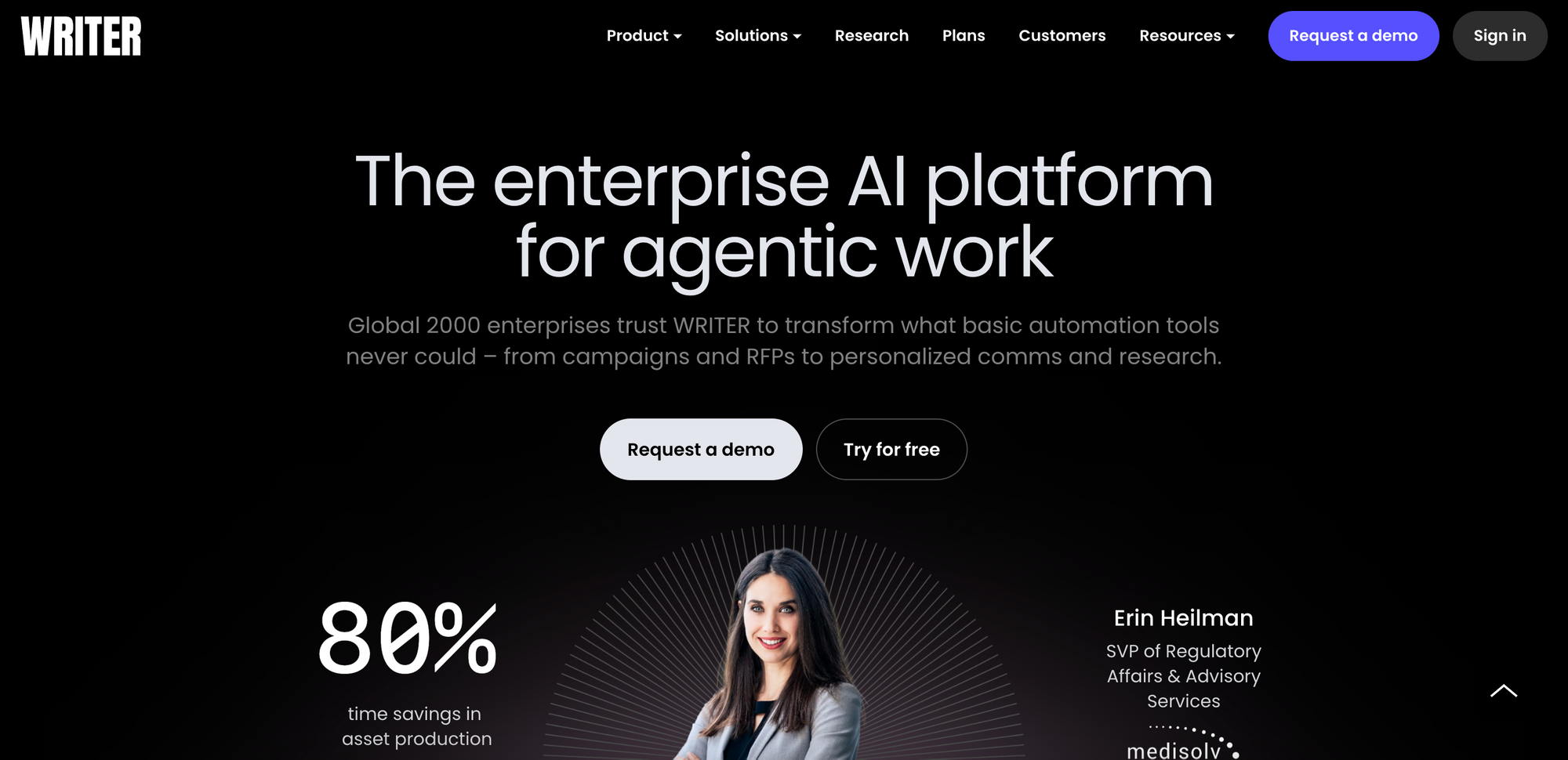
Writer is a full-stack generative AI platform built specifically for enterprises. It runs on Palmyra, Writer's own family of LLMs trained on transparent, auditable data.
The platform connects to your internal knowledge sources (wikis, cloud storage, chat channels) via Knowledge Graph, and AI Guardrails automatically enforce brand, legal, and compliance rules across all outputs. The new AI Agent capabilities let teams build Playbooks for repeatable workflows and connect to tools like Salesforce, Slack, and Snowflake.
Best for: Large organizations that need enterprise-grade security (SOC 2, HIPAA, GDPR) and want AI that sounds like their brand, not generic ChatGPT outputs. Marketing, sales, and support teams producing high volumes of content.
The catch: Pricing scales with the enterprise. Team plans start around $18/user/month, but real functionality requires Enterprise pricing (contact sales). Overkill if you just need a simple writing assistant.
How to choose the right AI productivity tool
With this many options, analysis paralysis is real. Here's a framework to simplify your decision:
- Start with the pain point, not the tool. What task frustrates you most? What eats hours you'll never get back? Match the tool category to that specific problem. Don't adopt AI automation tools because automation sounds cool; adopt them because you don’t want to waste time on manual data entry.
- Check integration compatibility first. Before falling in love with a tool's features, verify it works with your existing stack. A powerful AI assistant that doesn't connect to your email or project manager adds friction instead of removing it.
- Match complexity to your team's comfort level. Some tools prioritize simplicity; others offer granular control. n8n gives you more power than Zapier but demands more technical expertise. Choose based on who will actually use and maintain the tool.
- Watch how pricing scales. Per-seat pricing works differently from usage-based billing. A tool that costs $15/month with light usage might cost $150/month when your team actually adopts it. Map out realistic usage before committing to annual plans.
- Test with a real workflow. Most tools offer free tiers or trials. Don't just click around the interface - actually build something you'll use. A 30-minute test with a real task reveals more than hours of feature comparison.
Quick decision guide
- Building email-sending workflows? Use Mailtrap for high inboxing rates
- Creating how-to guides? Capture workflows and document steps with Gyde
- Need to connect apps without coding? Start with Zapier
- Writing lots of marketing content? Try Jasper
- Drowning in meetings? Test Otter
- Need visuals without a designer? Explore Midjourney
- Already using Notion? Notion AI is the easiest addition
Wrapping up: AI productivity tools are critical
AI productivity tools have matured past the hype phase. The challenge isn't finding capable tools; it's rather selecting the right combination for your specific situation and actually implementing them.
The tools in this guide represent starting points, not an exhaustive list. Test, measure the impact, and iterate. What works brilliantly for one team might be wrong for yours.
Remember: start small. Pick one tool that addresses your most frustrating daily task. Give it two weeks of genuine use before evaluating. Resist the temptation to adopt five tools simultaneously; that's a recipe for abandoning all of them.
FAQs
1. How do I know which AI productivity tool is right for me?
Start by identifying your biggest daily bottleneck, not the shiniest new tool. If you’re spending hours writing content, explore writing assistants. If you’re stuck moving data between apps, check out automation tools.
2. Are AI tools really saving time, or do they just add more setup work?
The initial setup does take time, but the payoff compounds. A good benchmark is that if a tool consistently saves you at least 30 minutes a week after setup, it’s worth keeping. The key is to integrate it naturally into your workflow instead of making it another platform you have to manage.
3. What’s the best way to stay updated as new AI tools emerge?
Follow product updates from a few trusted platforms you already use. Notion, Zapier, or Canva now ship new AI features regularly. You can also pair that with newsletters like Futurepedia or Gyde’s very own updates, so you can stay informed without chasing every new launch on Product Hunt.
4. How to measure if an AI tool is actually worth keeping?
Track one thing: time saved per week. After two weeks of use, ask yourself whether you’re spending less time on a task your tool was supposed to fix? If yes, keep it. If you're spending more time managing the tool than it saves you, cut it loose. A good benchmark is 30+ minutes saved weekly.
5. Should I start with free plans or go straight to paid?
Start free, but set a deadline. Free tiers are perfect for testing whether a tool actually fits your workflow but they're also easy to outgrow or forget about. Give yourself two weeks. If you're hitting limits or wishing you had features locked behind the paywall, that's a good sign the tool is working and worth upgrading.